> For the complete documentation index, see [llms.txt](https://igb.mit.edu/llms.txt). Markdown versions of documentation pages are available by appending `.md` to page URLs; this page is available as [Markdown](https://igb.mit.edu/mini-courses/research-computing-on-engaging-with-vscode/connecting-to-engaging-via-ondemand.md).
# Connecting to Engaging via OnDemand
Engaging offers a service named OnDemand that allows for basic access to cluster resources straight in your web browser. To access the OnDemand service, visit the webpage .
After logging in to Engaging OnDemand, you will have a 24-hour period where logging in to Engaging with SSH keys will not require Duo authentication. We will leverage using SSH keys in a later section.
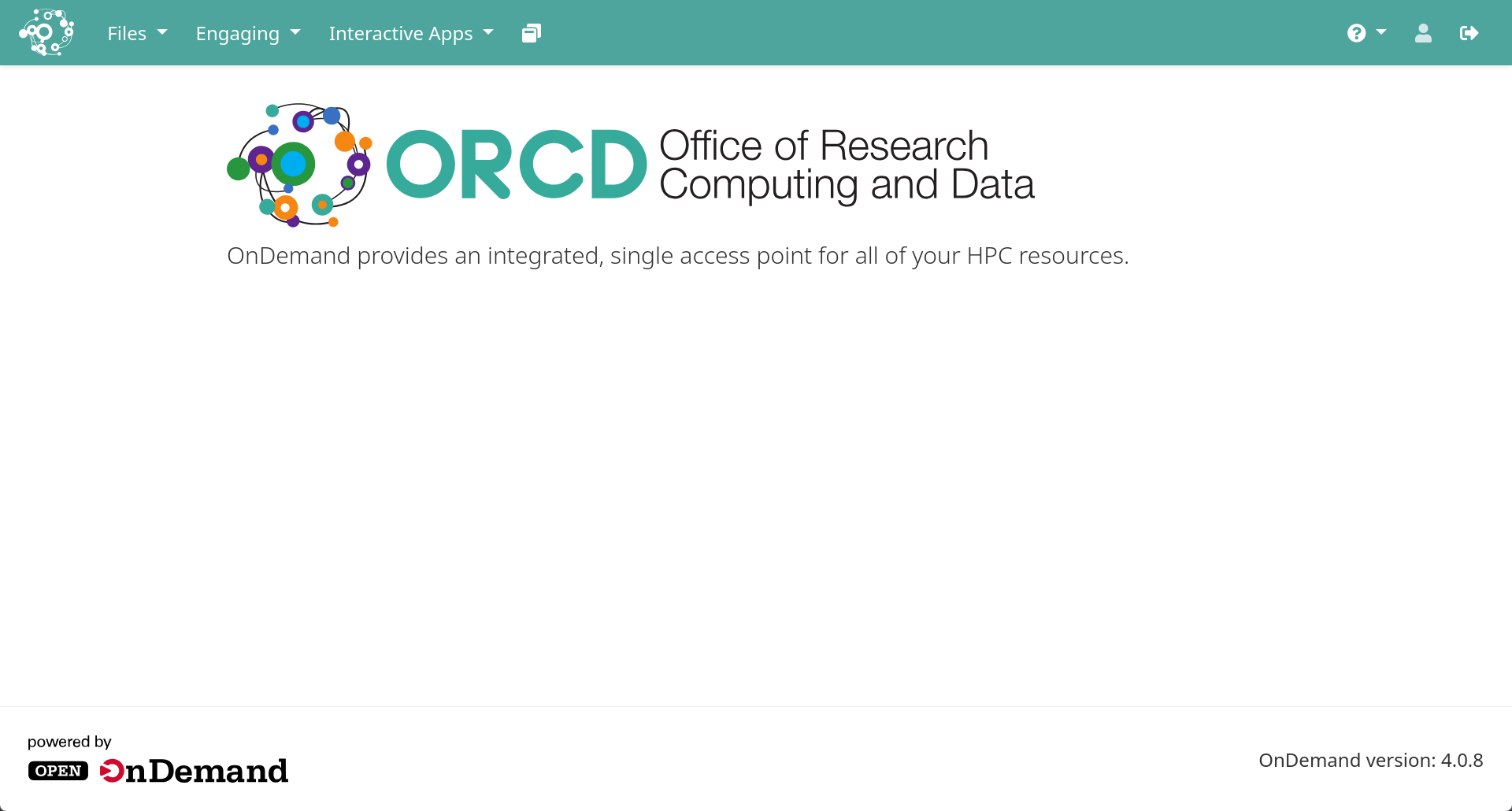
Upon logging in to OnDemand, you'll be greeted by the home page. From here, you have access to various features listed in the upper menu.